


Integrating video into your marketing is a game-changer.
But we get it: creating content takes time. From brainstorming ideas to planning, writing, filming, editing, posting, and engaging...it can feel like a full-time job just to produce one video.
What if you could stretch that one video and make it work harder for you?
Repurposing video content is a smart way to get more out of what you already have. Instead of spending time creating fresh content for every platform, you can turn your existing videos into bite-sized clips that are perfect for Instagram, TikTok, LinkedIn, and more.
The key: knowing how to break your content into pieces that speak to your audience—no matter where they’re hanging out.
Keep reading as we break down...
- Why you should repurpose your videos
- How to break videos into short-form content
- Tips for planning a video shoot for multiple uses
- The best video editing tools for social media
- Creating Meta and TikTok video ads
- Measuring your results
Why Should You Repurpose Video Content?
We’re all juggling a lot, and so is your audience. By turning your longer videos into shorter clips, you make it easier for people to digest your message quickly and on their own time, without overwhelming them.
Repurposing content also helps you stay consistent and reinforce your brand messaging across every channel, and bonus: it builds trust and keeps your content relevant.
So, how do you do it?

Break Longer Videos into Short-Form Content
You already know this: People aren’t patient when they’re scrolling through social media—and those attention spans are getting shorter by the day. Your post has a split second to grab someone’s attention. If it doesn’t, they’ll keep scrolling.
Here are our top tips for repurposing video for social platforms like Facebook, Instagram Reels, TikTok, and YouTube Shorts:


A Special Note on LinkedIn
When repurposing video for LinkedIn, remember that the platform is more professional and business-focused than other social platforms. Here’s how to make the most out of it:
- Provide professional insights: It’s all about thought leadership when it comes to LinkedIn. Use the video clips you’ve already created and position them as professional takeaways. Frame them as “insider tips” or “how-to guides” for your audience.
- Focus on clear, valuable messaging: Start with a strong hook that promises something of value to your audience. For example, “Want to increase your video engagement? Here’s how.”
Here’s an example:
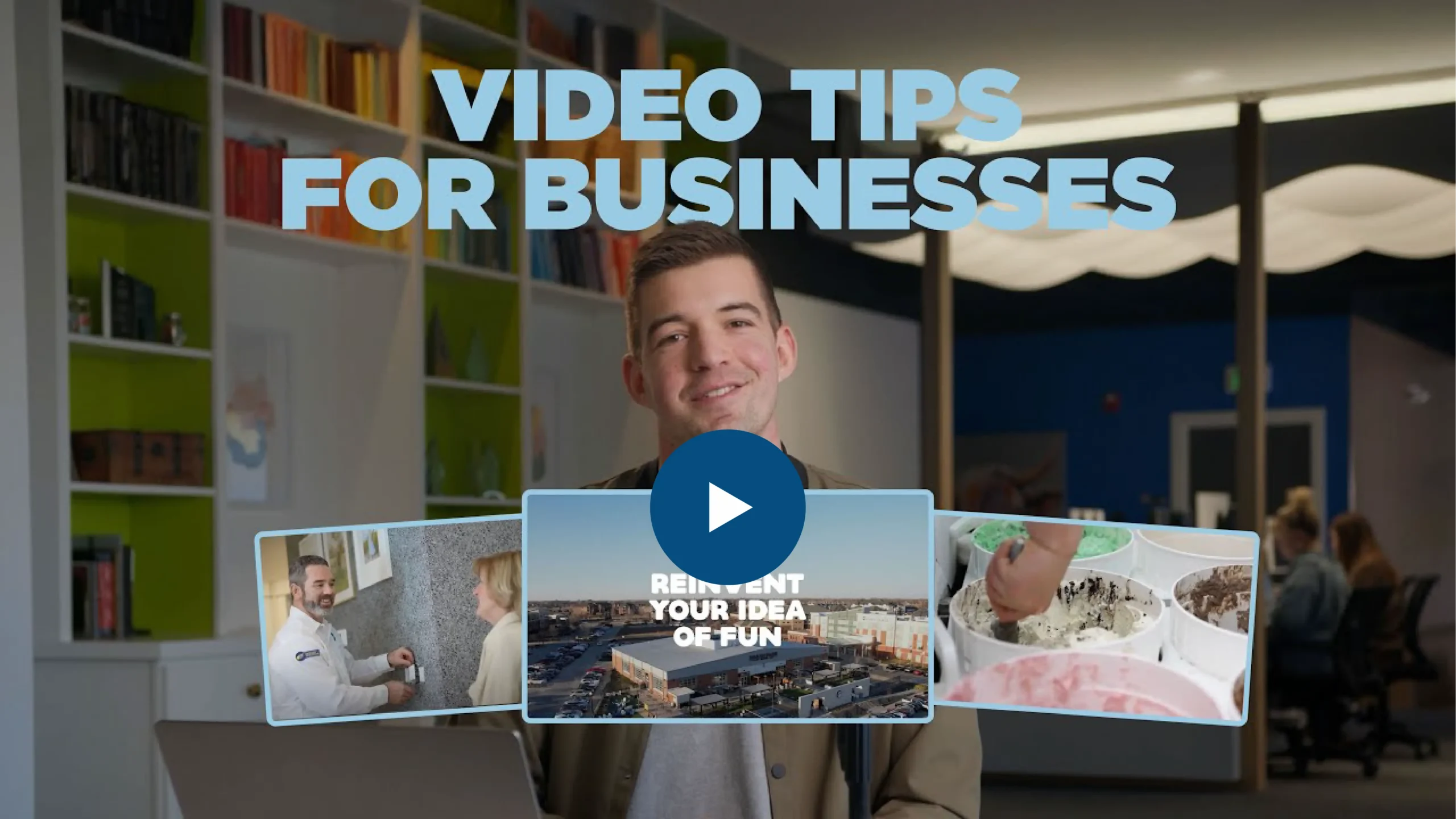
We created a long-form video titled “How to Improve Your Business Video Content” and posted it on YouTube, then used shorter clips across our marketing channels.

Plan Your Videos with Repurposing in Mind
As you plan new video shoots, consider repurposing as part of your strategy from the start. It’s easier to create content that can be used in different formats if you keep that in mind.
Use these tips to help you plan:
- Keep your subject centered: If you plan to crop your video vertically later, keeping your subject in the center of the frame will make the editing process much smoother.
- Shoot with multiple uses in mind: Record a mix of content that can easily be repurposed into both short and long videos. Think: shorter, snappier scripts.
- Shoot in 4K: Shooting in 4K gives you more flexibility in post-production. You can crop vertically and still output a clean HD video without losing quality.
- Take a step back: A subject may look perfectly framed for a horizontal composition, but once you crop for vertical, their head suddenly fills the entire frame. Pull back slightly and frame your subject with both horizontal and vertical compositions in mind.
- Use multiple angles: A variety of shots will give you more flexibility when creating multiple clips.
Maybe it’s too late—and that’s okay.
Even if you didn’t plan for it ahead of time, don’t worry. You can work some magic in post-production, which leads us to our next question...
What Video Tools Can I Use for Social Media?
There’s an endless list of video tools available out there, including the native editors on each social platform, but these are our favorites:
- CapCut: A free, easy-to-use editor that works well for TikTok and Instagram Reels.
- Adobe Express: Helpful for adding text overlays, captions, and simple effects to your videos.
- Adobe Premiere Pro: The industry standard used by most video professionals, great for high-quality editing and animation.
- Canva: Known for creating eye-catching designs, but they also have easy video editing tools to help you create and repurpose content quickly.
- OpusClip: Uses AI to edit long videos into short, social-ready clips, complete with captions, smart highlights, and optimized formatting for different platforms.
Turn Short-Form Content into Ads
Once you’ve created your short-form content for social, creating an ad campaign gets easier.
Video ads are one of the most effective ways to grab attention, whether you're running Meta ads on Facebook or Instagram, YouTube ads, or TikTok ads. Repurposing video for ads means you get even more mileage out of your content while driving conversions.
Video tips for Meta ads (Facebook & Instagram):
- Keep it short and engaging: Repurpose your video clips into 30-second ads. Make sure the message is clear, and the call to action (CTA) within the video is strong.
- Add text overlays and captions: These help your videos stand out, especially if people are watching without sound.
- Choose a relevant CTA: Meta ads allow you to choose from a pre-determined list of CTAs, such as “Learn More” or “Shop Now.” Choose the one that matches your end goal.
Video tips for TikTok ads:
- Authenticity is key: TikTok thrives on content that feels raw and unpolished. Repurpose your casual, behind-the-scenes videos for TikTok ads. Use trending audio or fun, fast-paced captions to make it feel native to the platform.
- Quick CTA: On TikTok, you need to get to the point quickly. Use fast-paced edits and make sure your CTA stands out at the end of the video.
Measure Your Results
Repurposing your video content is only part of the process. To make sure your strategy is working, it’s important to track the results. Use analytics tools to monitor the performance of your repurposed videos on each platform.
Check metrics like:
- Engagement rate: Are people liking, commenting, or sharing your videos?
- Click-through rate (CTR): How many people are clicking on your CTAs?
- Conversion rate: Are your repurposed videos leading to more sales, sign-ups, or bookings?
By measuring your results, you can refine your strategy and make adjustments for future videos.
Ready to Boost Your Business Reach?
Repurposing videos is one of the smartest ways to maximize the value of your content. With a bit of creativity and strategy, you can turn a single video into multiple pieces of content that will engage your audience across different platforms.
If you’re ready to get started and need help turning your existing video content into short-form gold—or create video content from scratch—reach out to TwoTone Creative today. We’ll help you create a strategy that works across all your platforms and gets your content in front of the right people at the right time.